
Walter Writes Browser Extension Our People Ops Team Uses on Internal Memos

Last month, one of our directors sent a team memo about a change to how we track remote hours. Standard update, nothing alarming. He sent it at 4:47pm on a Wednesday, subject line “Important Update — Remote Work Tracking.”
By 9am Thursday, I had seven Slack messages, two emails, and one calendar hold from an employee asking for a call “when I have a minute.”
The memo was accurate. It was complete. It wasn’t cold on purpose. But the way it was written — formal, procedural, a lot of “employees will be required to” — it read like something was wrong. In plain terms, the language did what institutional language always does: it told people to brace for something, even though there was nothing to brace for.
That specific morning is part of why I started using the Walter Writes browser extension for internal communications, and eventually why I made it part of how my whole team works.
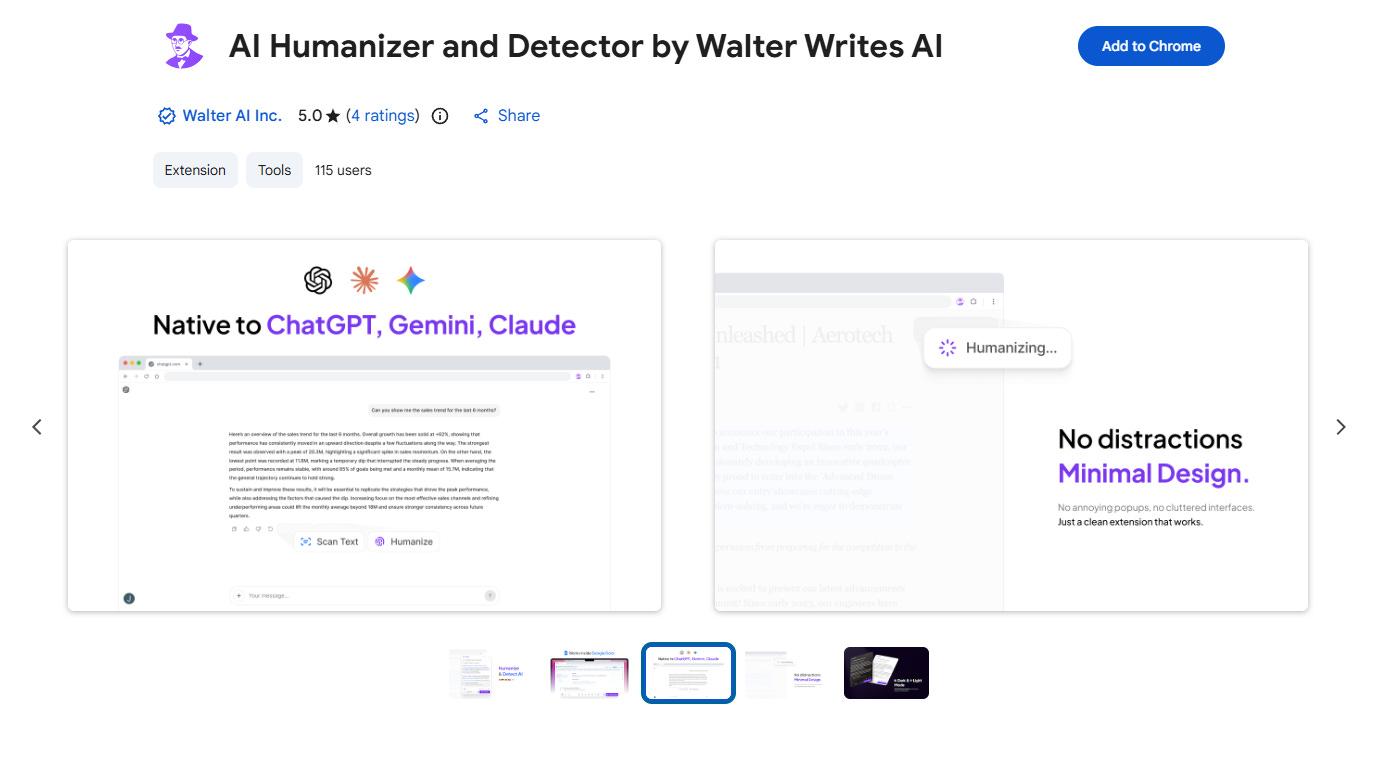
The short version: Walter Writes is a browser extension that lets you select text in Gmail, Google Docs, Outlook, wherever you’re writing, and run it through an AI humanizer that rewrites it to sound less institutional. The revised version comes back in the same window. For People Ops, the value is in catching the formal, clinical language that AI drafts default to — language that employees interpret as bad news even when the content isn’t bad news.
The AI Drafting Problem Is Specifically a Tone Problem
We started using AI to draft internal communications in 2023. The efficiency was real — ChatGPT could produce a first draft of almost anything in about 30 seconds, and it was useful for ensuring completeness. What we got consistently wrong was tone.
AI defaults to institutional language. “Employees are required to...” “This policy supersedes the previous policy...” “Effective immediately...” All technically precise. All utterly without warmth. In People Ops, emotionally cold is a real problem. Employees read tone as information. If a message about a minor administrative change sounds like it came from compliance, a portion of your team will spend the rest of the day filling in the gaps with their own anxiety. The follow-up questions, the hallway conversations, the unnecessary anxiety — all of it flows from tone that didn’t need to land that way.
This also matters because I can’t always catch it myself. When I’m the one who wrote the original draft, I know what I meant. I know it’s routine. That knowledge makes it harder to read the message the way an employee seeing it cold will read it. Just to clarify — that’s not a failure of judgment. It’s a basic limitation of being too close to the source material.
How the Extension Works in Practice
Once Walter Writes is installed, you highlight text in whatever you’re drafting, right-click, and run it through the humanizer. The output comes back in the same window, rewritten to feel less generated and more intentional.
For my team, the most useful function is what I’d describe as the deformalization pass. AI drafts tend to come back with complex sentence structures, multiple clauses, and transitions that belong in a policy document rather than a message from a colleague. The extension simplifies those patterns without changing the substance. The goal isn’t to make communications less professional — it’s to make them readable without generating anxiety in the process.
There’s also a secondary effect I hadn’t anticipated until one of my team members pointed it out. Some employees are sensitive to communications that feel algorithmic. They can’t always say why something reads as cold or off, but they respond to it the way they’d respond to a form letter when they were expecting a note. Running drafts through the humanizer closes that gap.
Three Use Cases Where It’s Made a Real Difference
Policy update communications are the ones most likely to generate unnecessary concern. The AI draft of a policy update emphasizes what’s changing, the new requirement, the effective date — all the legally relevant information. What employees often need to hear first is what isn’t changing, and that the change isn’t a signal of something larger. The humanized versions let us lead with that reassurance before leading with facts. The goal here is always to reduce uncertainty before we add new information.
Benefits enrollment communications matter more than they seem to. Open enrollment is already stressful, particularly for employees making healthcare decisions for their families. A message that walks through enrollment steps in clinical, procedural language adds friction to a process that’s already complicated. The humanized version reads like a colleague walking you through it rather than a form you have to complete.
Manager communications during transitions are the ones that matter most. When we’re supporting managers through team restructures, reporting line changes, or headcount reductions, the quality of their communications to their teams is enormously consequential. We now share the extension with managers as part of our change communication toolkit, and the drafts they bring for review are noticeably more human than they were a year ago. This matters because I want to make this easier for managers, not add another step — the extension actually reduces the editing burden on them.
What It Doesn’t Replace
I want to be clear about what this tool is and isn’t. It’s not a substitute for judgment. It doesn’t know the history between a manager and their team, doesn’t know that a specific employee is already anxious about job security, doesn’t know that a policy change will land differently in one office than another. All of that still requires a person with context and care.
It’s also not a replacement for good source material. If the AI draft is factually incomplete or buries the most important information, humanizing it doesn’t fix those problems. We still review everything before it goes out. The extension is one step in the process, not the whole process.
The free tier limits you to 300 words per session, which covers short emails but not longer memos. We’re on a team plan given our volume, which made sense for us. If you’re evaluating it for a team, that’s worth factoring into your decision.
A Simple Way to Test It
Pick three internal memos you’ve sent in the last month and run them through the extension. Not to republish them — just to see what comes back. The gap between the original and the humanized version is usually informative about where your current drafts are actually landing with employees.
If you have questions about whether this makes sense for your team, that’s okay — it’s not a complicated implementation and the answer usually becomes clear after the first few tests. The value for People Ops is that it addresses the one thing hardest to catch in your own writing: the places where you’re being clinically accurate when you need to be humanly clear. Those two things are not the same. The distance between them is where trust gets quietly lost.